By Z. Aw | Published | Updated
sgdata-mcp
87 tools, 24 datasets - Singapore government data for AI agents
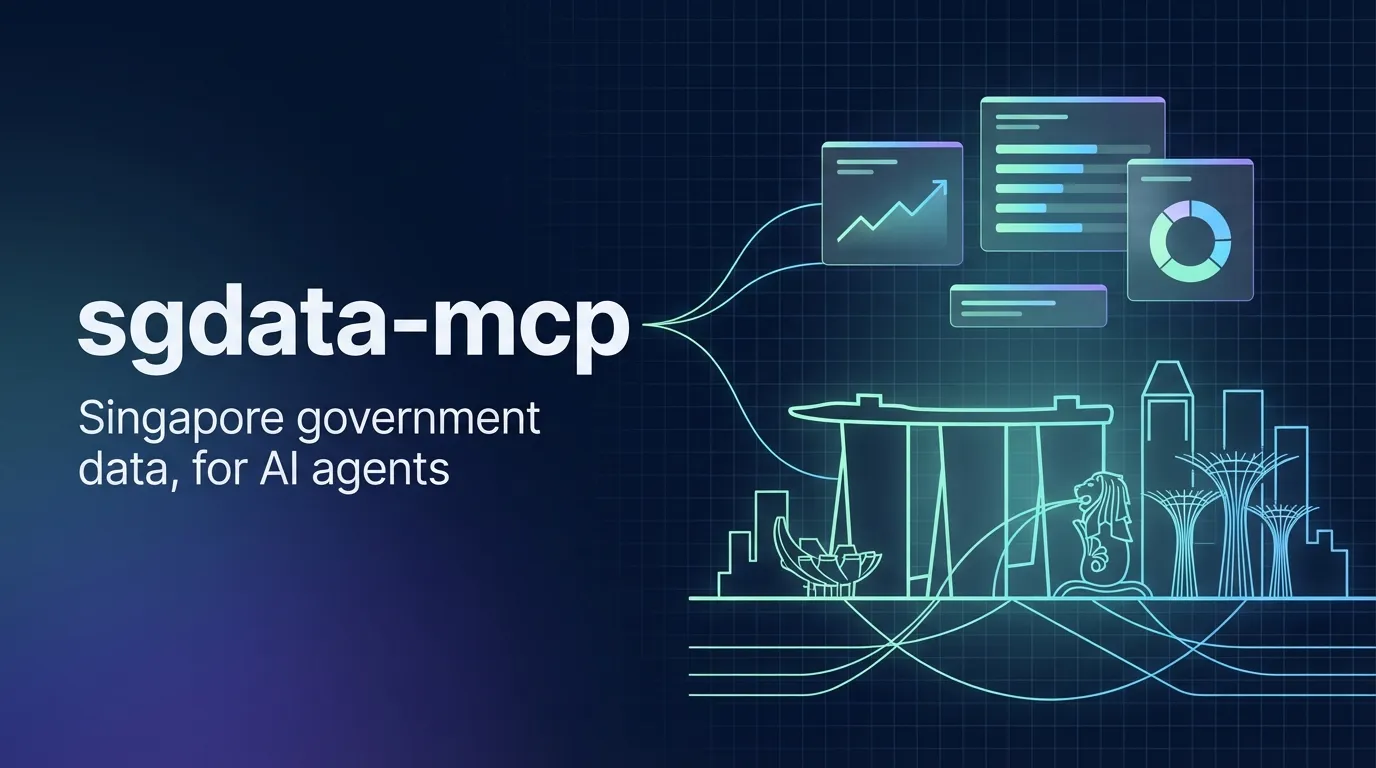
sgdata-mcp is an open-source MCP server that lets any AI agent query Singapore government data directly - ACRA business records, HDB resale prices, COE bidding results, URA private property transactions, SingStat economic indicators, MAS exchange rates, IRAS tax collections, unemployment, population, infectious disease cases, electricity generation, births, crime, tourism receipts, hawker centres, and more. It is MIT licensed, lives on npm as @altronis/sgdata-mcp, and works in Claude Desktop, Claude Code, Cursor, and anything else that speaks the Model Context Protocol.
New in v0.5.0: six live real-time feeds (air quality / PSI, weather forecasts, rainfall, temperature, live carpark availability, and current NEA dengue clusters), seven SingStat tables (household income, wages, deaths, marriages, divorces, merchandise trade, labour-force participation), a fixed dataset search, and a lighter footprint - the ACRA and HDB-resale tools now query data.gov.sg server-side instead of downloading whole datasets onto your machine.
First, what is MCP?
MCP stands for Model Context Protocol. It is an open standard, introduced by Anthropic in late 2024, that solves a boring but painful problem: how does an AI agent talk to the real world? An LLM on its own is a very expensive autocomplete. It only becomes useful when you let it read your calendar, query your database, run your scripts, or call your APIs. Before MCP, every one of those integrations was a bespoke glue job - different for every IDE, different for every chat client, different for every agent framework.
MCP fixes that by specifying a single wire protocol. An MCP server is a small program that exposes tools and data over a standard JSON-RPC interface. An MCP client - Claude Desktop, Claude Code, Cursor, Continue, Windsurf, and a growing list of others - knows how to connect to any MCP server, see its tools, and let the LLM call them. Write the integration once as an MCP server, and it immediately works in every client that speaks MCP. Think of it as the USB-C connector for AI tools: one shape, any tool, any client.
sgdata-mcp is one such MCP server. It exposes 87 tools for querying Singapore government data, and because it speaks MCP, any agent that speaks MCP can use it immediately - no plugins, no wrappers, no custom adapters.
The problem it solves
Every serious Singapore research question eventually hits the same wall. You can ask an LLM about HDB resale prices in Yishun or about which companies were incorporated in 2024 under SSIC 62010, and it will happily produce a plausible-sounding answer. Some of it might even be right. None of it is verifiable.
The data exists. It is free, it is public, and it sits on data.gov.sg. The problem is that every agent I wanted to build for a local client - a company-lookup tool, a property comparison, a macro dashboard, a compliance check - had to reinvent the same fetching, schema parsing, and caching layer before it could answer a single useful question. That glue code is not where the value is.
sgdata-mcp is that glue code, turned into something an agent can just plug in.
What is in the box
87 tools across 24 curated datasets, plus a generic layer that works against any dataset on data.gov.sg by ID. The curated tools handle the datasets most likely to show up in local work:
- ACRA business registry - search and inspect the roughly 1.9 million entities registered in Singapore, resolve a company by name or UEN, find all formations under a given SSIC code.
- HDB resale prices - filter by town, flat type, block, price range, storey range, year of sale.
- COE bidding results - category, month, premium bands, successful-bid counts.
- URA private property transactions - district, property type, tenure, price range.
- SingStat macro series - GDP year-on-year, CPI monthly, median household income, employment by sector, retail sales, population indicators, electricity generation, live births.
- Business formations & cessations - annual and monthly company formation and cessation counts by SSIC industry code from ACRA via SingStat Table Builder. Track which sectors are growing fastest, and compute net company growth month by month.
- MAS exchange rates, IRAS tax collections, MOH infectious disease cases, SPF crime statistics, STB tourism receipts, NEA hawker centres, and more.
Three generic tools - sg_search_datasets, sg_dataset_schema, sg_dataset_query - cover the long tail of roughly two thousand datasets on data.gov.sg that are not in the curated list.
New in v0.3.2
Monthly business formation and cessation data from ACRA via SingStat Table Builder. Three new tools for tracking company lifecycle at monthly granularity:
- Monthly formations -
sg_formations_monthlyreturns monthly new company registrations by SSIC industry code, from Jan 1990 to present. - Monthly cessations -
sg_cessations_monthlytracks company closures and deregistrations by industry, same monthly granularity. - Net growth -
sg_net_formationscomputes formations minus cessations per month. Positive means more companies created than closed. Singapore averages ~1,500 net new businesses per month, with IT (SSIC 62) adding ~150 net per month.
New in v0.3.0
8 new datasets, 22 new tools, and four major capabilities:
- Data visualization -
sg_visualizegenerates ASCII sparkline charts and summary statistics from any numeric time series. Returns sparklines, min/max/mean/latest, period-over-period change, and chart-ready JSON for frontend rendering. - Cross-dataset queries -
sg_cross_datasetcompares any two datasets side-by-side over time. Automatically aligns different granularities (monthly, quarterly, annual) - ask things like “compare GDP growth vs unemployment rate” or “CPI inflation vs retail sales.” - Natural language queries -
sg_asktakes plain English questions and routes to the right tool automatically. “What is Singapore’s unemployment rate?” just works. - CLI mode - query data from your terminal with no MCP client needed:
npx @altronis/sgdata-mcp query "COE prices"
Live demos
These widgets pull real-time data from sgdata-mcp running on this server. The same tools your AI agent would call - rendered here as interactive dashboards.